
Building a connected home shouldn’t feel overwhelming. This guide gives you a clear, step-by-step blueprint for a reliable, networked smart home system setup that actually works. If you’ve struggled with incompatible devices, weak Wi-Fi signals, or juggling too many confusing apps, you’re in the right place. We break down the process into simple, actionable steps—helping you choose the right hub, strengthen your network, and create your first seamless automation. Based on years of hands-on experience integrating smart devices in real homes, this guide is designed to help you avoid common pitfalls and build a smarter, more connected home with confidence.
Step 1: Choose Your System’s Brain (The Smart Hub)
Before you buy a single smart bulb, you need a hub—the command center of your smart home system setup. A hub (also called a controller) is the device that lets your gadgets “talk” to each other. Without one, your smart lock and motion sensor are like coworkers who refuse to share Slack.
Key Protocols Explained
A protocol is the language devices use to communicate.
- Wi-Fi: Connects devices directly to your router. Easy, but too many Wi-Fi devices can clog your network (think rush hour traffic).
- Zigbee: A low-power mesh network where devices relay signals to each other, improving range and reliability.
- Z-Wave: Similar to Zigbee, but operates on a different frequency to reduce interference.
Some argue Wi-Fi-only homes are simpler—no extra hub required. That’s true at first. But as your system grows, Wi-Fi congestion and compatibility issues can creep in. A hub supporting multiple protocols gives you flexibility and future-proofing.
Top Hub Options
- Software-based (Home Assistant): Powerful and customizable, but requires technical confidence.
- Brand-specific (Philips Hue Bridge): Reliable for one ecosystem, limited beyond it.
- Multi-protocol hardware (Hubitat, Aeotec): Balanced, scalable, and beginner-friendly.
Our recommendation: Start with a dedicated multi-protocol hub. It keeps your setup stable while leaving room to expand.
What’s next? You’ll want to think about voice control—here’s help with comparing voice assistants for home automation.
Step 2: Plan Your Network and Connect Your First Devices
Start Small, Think Big
It’s tempting to turn your house into Tony Stark’s lab overnight. But resist. Start with one room and one or two device types—like smart plugs and smart bulbs. This lets you learn your smart home system setup without overwhelm (because nothing kills motivation faster than 14 devices blinking at once).
Some people argue you should install everything in a single weekend to “get it over with.” That sounds efficient—until troubleshooting feels like you’re defusing a bomb in an action movie. Starting small helps you understand how devices behave, how automations work, and what you actually use daily.
Network Health Check
Before pairing anything, check your Wi‑Fi strength where devices will live. Weak signal equals lag, disconnects, and frustration. Larger homes may benefit from a mesh network—multiple access points that spread coverage evenly. According to the Federal Communications Commission (FCC), router placement significantly impacts signal quality and performance (FCC.gov). Pro tip: place routers centrally and avoid thick walls or metal obstructions.
The Pairing Process
Most devices follow a similar flow:
- Put the hub in pairing mode.
- Activate the device (usually by holding a button).
- Wait for detection in the app.
- Name the device and assign it to a room.
Naming clearly (“Living Room Lamp” beats “Device 4”) saves future headaches.
Practical First Devices
Start with high-impact wins:
- Smart plugs for “dumb” appliances like coffee makers.
- Smart bulbs for voice or app-controlled lighting.
- Door/window sensors for simple security alerts.
It may not feel as dramatic as a sci‑fi montage, but steady progress builds a system that actually works.
Step 3: Create Your First Automated Routines
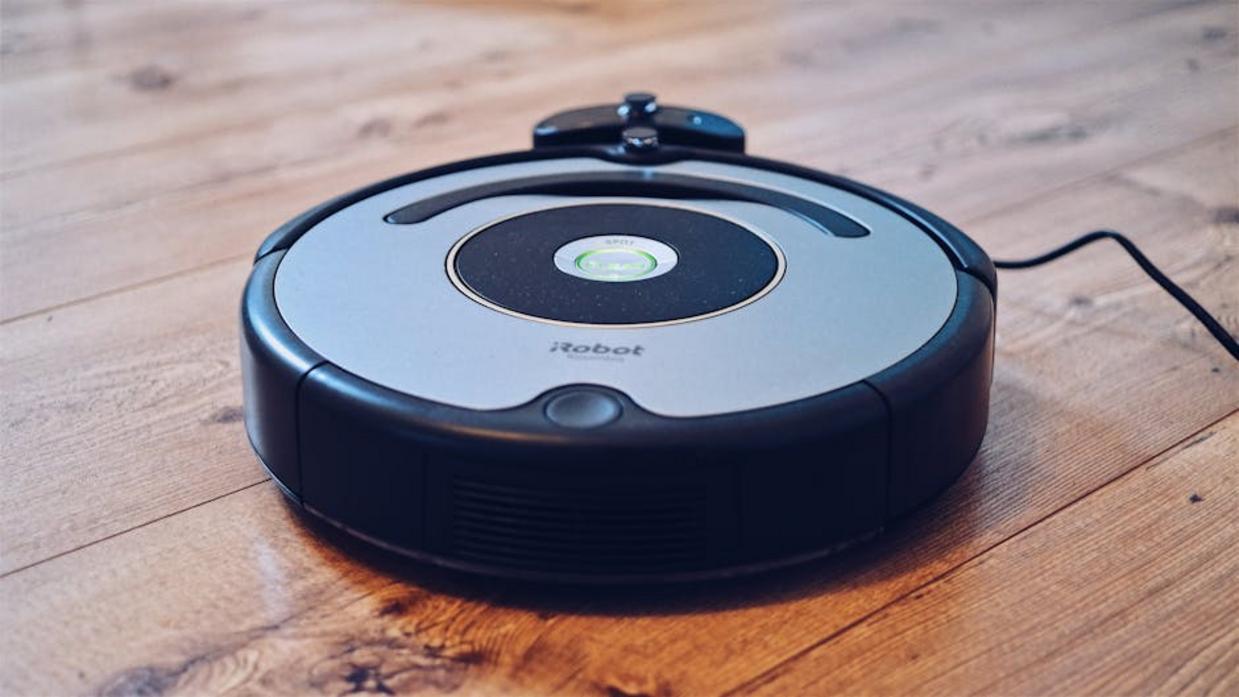
Here’s where your home goes from “smart” to truly automated. Remote control is convenient. Automation is transformational. Instead of opening an app to flip a switch, your home responds to you automatically (like a well-trained butler, minus the tuxedo).
Anatomy of an Automation
Most routines follow a simple logic called IFTTT — short for If This, Then That.
- If = the trigger (time of day, motion detected, door unlocked, phone location)
- Then = the action (lights turn on, thermostat adjusts, music starts)
Think of it as cause and effect for your house.
Example Wellness Routine: “Good Morning”
IF the time is 6:30 AM
THEN slowly fade up the bedroom lights, turn on the coffee maker (using a smart plug), and start your favorite morning playlist on a smart speaker.
This gentle light increase supports your circadian rhythm, which research shows can improve mood and alertness (Harvard Health Publishing, 2020). Not a bad way to start the day.
Example Organization Routine: “End of Day”
IF your phone disconnects from home Wi-Fi
THEN turn off all lights, lock the doors, and set the thermostat to an energy-saving “away” mode.
Ever driven off and wondered, “Did I leave something on?” This solves that.
Pro Tip: Start with simple, time-based automations. Once your smart home system setup feels comfortable, layer in motion sensors and location triggers for more precision.
Start small. Test. Adjust. Automation should make life easier—not feel like programming a spaceship.
Troubleshooting Common Setup and Network Issues
First things first, if a device is unresponsive, check the power source and its distance from the hub or nearest mesh router. It sounds obvious (like “have you tried turning it off and on again?” from The IT Crowd), but it solves more issues than you’d think. Next, consider your Zigbee or Z-Wave mesh. These networks rely on powered devices—smart plugs, switches, bulbs—to act as repeaters. If something keeps dropping offline, try placing a powered device between it and the hub. Finally, keep your hub firmware and apps updated; updates patch bugs and security gaps, keeping your smart home system setup running smoothly.
Bringing Your Automated Home to Life
You set out to understand how to make your home smarter without the frustration—and now you have the foundation to do exactly that. The complexity that once made smart home system setup feel intimidating becomes manageable when you approach it step by step.
By choosing a reliable hub, strengthening your network, and layering automations gradually, you eliminate the overwhelm and build a system that works seamlessly for you. No more disconnected devices or confusing routines—just a home that responds effortlessly.
Start small this weekend. Pick one room and create a simple “Movie Night” routine. Experience the convenience for yourself, then build from there. Thousands of homeowners are already simplifying their lives—now it’s your turn.